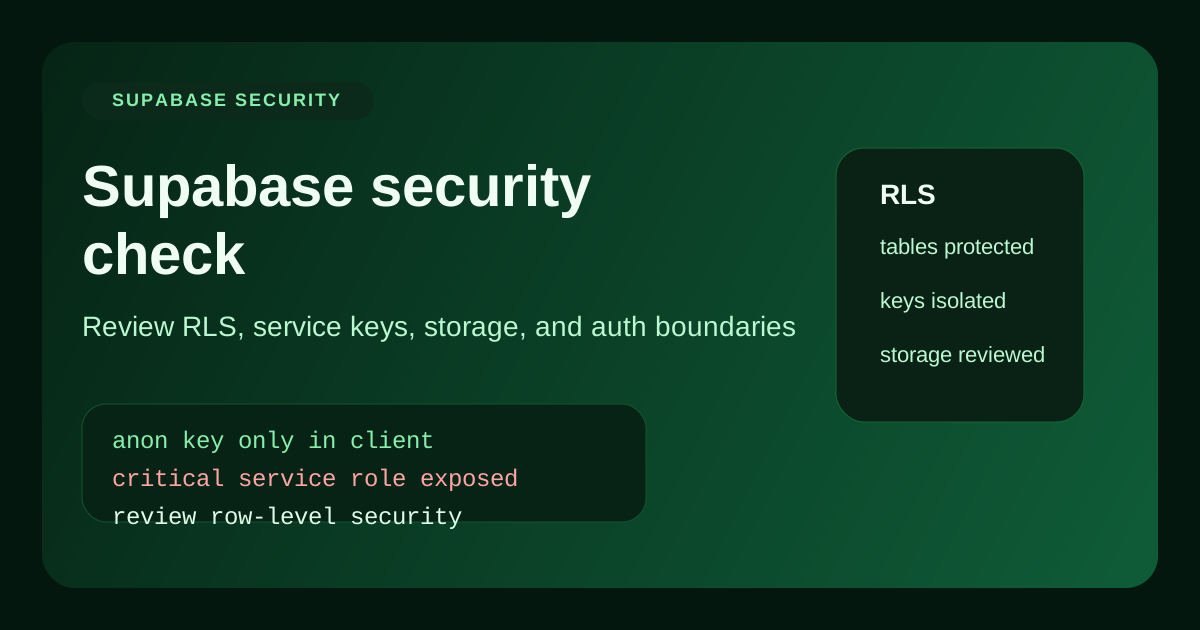
A serious Supabase security check starts with a simple question: if someone had your public app URL and ten minutes to poke around, what data could they read, modify, or delete without permission?
Supabase gives you strong primitives, especially Row Level Security, signed URLs, and server-side admin access. But those primitives only protect you if they are configured correctly. Most incidents do not happen because Supabase is weak. They happen because teams expose a privileged key, skip a policy, or assume the frontend is enforcing access rules that the database never sees.
That is why every launch should include a real Supabase security check. This guide covers the highest-risk failure modes, the code patterns behind them, and the quickest ways to validate your setup before users touch production data.
What a Supabase security check should cover
1. Key handling and client exposure
The most important part of a Supabase security check is verifying which key is used where. The anon key belongs on the client. The service_role key does not. If the service role key ever lands in frontend code, browser storage, public logs, or a JavaScript bundle, you should treat it as compromised.
// Client: use the anon key only
import { createClient } from '@supabase/supabase-js';

export const supabase = createClient(
  process.env.NEXT_PUBLIC_SUPABASE_URL!,
  process.env.NEXT_PUBLIC_SUPABASE_ANON_KEY!
);

// Server: keep the service role key isolated
import 'server-only';

export const adminSupabase = createClient(
  process.env.SUPABASE_URL!,
  process.env.SUPABASE_SERVICE_ROLE_KEY!
);
If your current Supabase security check finds the wrong key in the wrong runtime, rotate it. Do not just move it and assume nobody copied it already.
2. Row Level Security and ownership rules
RLS is where most of the real protection lives. A table can look safe because the frontend filters rows correctly, while the database is still happy to return every record to any authenticated user. That is not a UI bug. That is a broken security model.
A proper Supabase security check tests whether one user can access another user's rows by changing an ID, calling the REST endpoint directly, or using the JavaScript client outside the intended UI flow.
-- Example: only allow users to read their own projects
alter table projects enable row level security;

create policy "Users can read their own projects"
on projects
for select
to authenticated
using (owner_id = auth.uid());
3. Storage buckets and generated files
The next part of a Supabase security check is storage. Teams often make a bucket public during development because image rendering or download links are easier that way. Then the app launches with invoices, resumes, exports, or internal uploads still sitting in a public bucket.
Review every bucket, every signed URL flow, and every upload path. If a file should not be world-readable, the bucket policy should make that impossible by default.
4. Edge Functions, RPCs, and server-side trust boundaries
Supabase Edge Functions and Postgres functions are powerful, but they also create a new trust boundary. A Supabase security check should confirm that these functions validate identity and input themselves instead of assuming the frontend already did it.
// app/api/projects/[id]/route.ts
import { NextResponse } from 'next/server';

export async function DELETE(request, { params }) {
  const userId = request.headers.get('x-user-id');
  const projectId = params.id;

  if (!userId || !projectId) {
    return NextResponse.json({ error: 'Invalid request' }, { status: 400 });
  }

  // Verify ownership before delete, do not trust the UI alone
  return NextResponse.json({ ok: true });
}
Common Supabase security check failures
- RLS enabled on some tables but not all tables. Attackers only need one weak table.
- Policies that allow too much. For example, using broad authenticated access when row ownership is required.
- Service role key reused in frontend or automation. Convenient, but extremely dangerous.
- Public buckets holding sensitive content. Easy to miss because uploads "work" during testing.
- Functions that trust request parameters too much. Especially when IDs are accepted from the client.
Supabase security check before launch
Before launch, your Supabase security check should verify:
- Only the
anonkey is ever used in client-side code - The
service_rolekey is isolated to server-only paths - RLS is enabled on every table with user-facing data
- Policies are tested with a second user, not just the owner account
- Storage buckets are intentionally public or intentionally private
- RPCs and Edge Functions verify caller identity and input
- Any previously exposed key has been rotated and rechecked
Supabase is strong when the boundaries are real
A Supabase security check is really a boundary check. Which key can do what, which user can see what, which bucket can expose what, and which function trusts what input. Once those boundaries are explicit, Supabase is a very strong foundation.
The dangerous version is the one that only looks secure in the UI. Audit the database rules, not just the screens, before you ship.