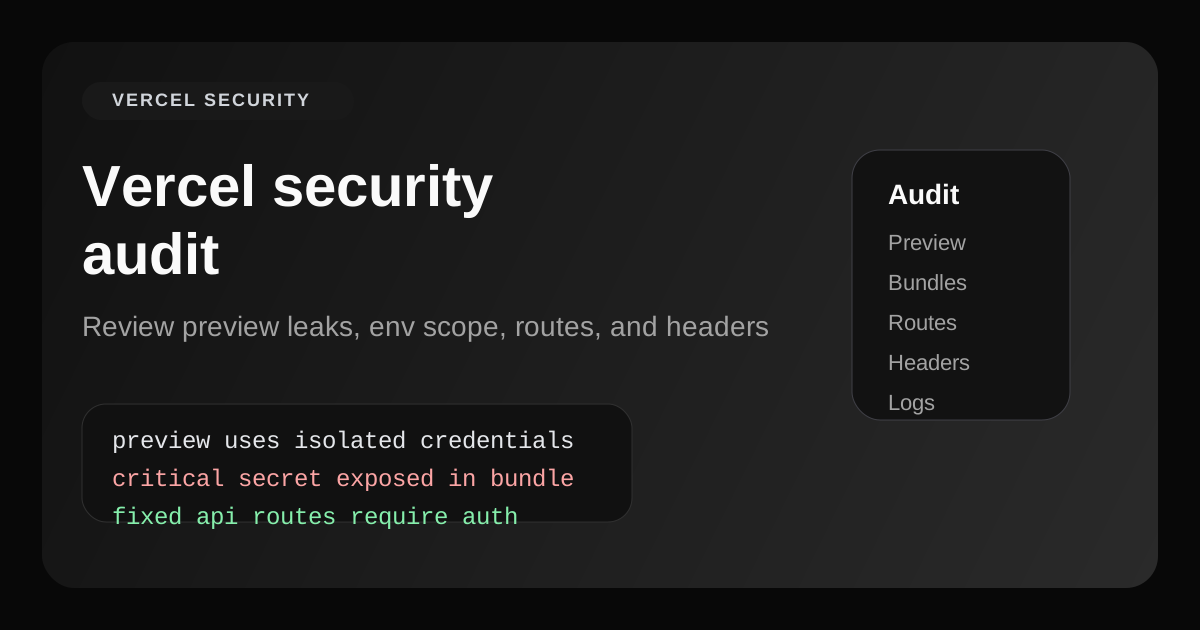
A real Vercel security audit is not just checking whether HTTPS is on. It is a structured review of what your deployment actually exposes: preview URLs, bundled secrets, open routes, weak headers, and production credentials that quietly leaked into the wrong environment.
That matters because Vercel makes shipping very easy. The upside is speed. The downside is that mistakes go live fast too. If your app was built with Cursor, Lovable, Bolt, or a fast-moving internal team, a Vercel security audit catches the issues that a happy-path QA pass will miss.
This guide walks through what to check, what tends to break on Vercel deployments, and what a clean Vercel security audit should look like before you ship.
Preview deployments
Check whether preview URLs reuse production credentials or expose unfinished admin flows.
Environment variables
Audit which variables are public, which are scoped to Preview, and which should stay server-only.
Routes and functions
Probe live API routes, webhooks, and cron handlers for auth gaps, weak validation, and noisy errors.
Headers and assets
Review CSP, HSTS, source maps, and any sensitive data embedded in JavaScript bundles.
Why a Vercel security audit matters now
Vercel itself is not the weak point. The weak point is what teams deploy onto it. A typical failure pattern looks like this: an app works in Preview, a key is temporarily marked public so the integration succeeds, an internal route ships without proper auth, and nobody reviews the live deployment like an attacker would.
That is why a Vercel security audit must look at the deployed surface, not just the repo. Attackers do not care whether the source code looked clean in review. They care whether the public deployment gives them a way in.
What a Vercel security audit should check
1. Preview deployments and environment scoping
Preview is one of the biggest Vercel-specific risk areas. Teams often point preview deployments to the same database, the same Stripe account, or the same third-party keys as production because it is convenient.
A Vercel security audit should verify that Preview uses separate, lower-privilege credentials and that unfinished routes or dashboards are not reachable from a shareable preview URL.
2. Public bundles and leaked secrets
Any secret that lands in client-side JavaScript is already exposed. That includes hardcoded keys and anything incorrectly prefixed with NEXT_PUBLIC_. On Vercel, these bundles are easy to fetch and inspect.
This is where a Vercel security audit often finds its highest-severity issue: a service key that makes the app work in production and gives an attacker the same power.
3. API routes, cron routes, and webhook handlers
Vercel deployments commonly expose route handlers under /api or app/api. The usual failures are straightforward: missing auth, no request signature verification, no rate limits, and verbose stack traces in error paths.
4. Headers and browser hardening
Vercel will serve your app over HTTPS, but it does not magically add a strong Content-Security-Policy, clickjacking protection, or a strict referrer policy. Those controls still belong to your app configuration.
Secure Vercel config example
One of the fastest wins in a Vercel security audit is cleaning up headers and removing stack disclosure:
// next.config.ts
const securityHeaders = [
  { key: 'Content-Security-Policy', value: "default-src 'self'; img-src 'self' data: https:; object-src 'none'; base-uri 'self'; frame-ancestors 'none';" },
  { key: 'Strict-Transport-Security', value: 'max-age=63072000; includeSubDomains; preload' },
  { key: 'X-Frame-Options', value: 'DENY' },
  { key: 'X-Content-Type-Options', value: 'nosniff' },
  { key: 'Referrer-Policy', value: 'strict-origin-when-cross-origin' },
];

export default {
  poweredByHeader: false,
  async headers() {
    return [{ source: '/(.*)', headers: securityHeaders }];
  },
};
How to review route handlers on Vercel
A useful Vercel security audit does not stop at headers. It also verifies how every high-impact route behaves when the caller is missing identity, sends malformed input, or tries to trigger work repeatedly.
// app/api/admin/revalidate/route.ts
import { NextResponse } from 'next/server';

export async function POST(request) {
  const adminToken = request.headers.get('x-admin-token');

  if (adminToken !== process.env.INTERNAL_ADMIN_TOKEN) {
    return NextResponse.json({ error: 'Unauthorized' }, { status: 401 });
  }

  try {
    // perform protected work here
    return NextResponse.json({ ok: true });
  } catch {
    return NextResponse.json({ error: 'Internal server error' }, { status: 500 });
  }
}
The point is not that every route should use a static token. The point is that every sensitive route should fail closed, validate the caller, and avoid disclosing internals in the response body.
Common Vercel security audit findings
- Production secrets reused in Preview. This is one of the highest-risk deployment shortcuts.
- Server-only env vars mirrored into client config. Usually caused by convenience during setup.
- Public mutation routes. Admin, billing, or sync endpoints reachable without a proper identity check.
- Missing CSP and weak browser headers. Easy to fix, commonly skipped.
- Verbose error responses. Useful for debugging, useful for attackers too.
Vercel security audit checklist
Before every launch, a short Vercel security audit should confirm the following:
- Production secrets are not reused in Preview deployments
- No secret key appears in client-side bundles or public config
- All mutation routes require identity checks and input validation
- Security headers are configured in next.config.ts or vercel.json
- Source maps and verbose server errors are not public in production
The best time to audit is before traffic shows up
A Vercel security audit is valuable because it forces you to inspect what is truly public, not what you intended to keep private. That difference is where the real incidents happen.
If your app ships on Vercel, treat Preview, public bundles, and route handlers as first-class audit targets. The faster you ship, the more important that review becomes.